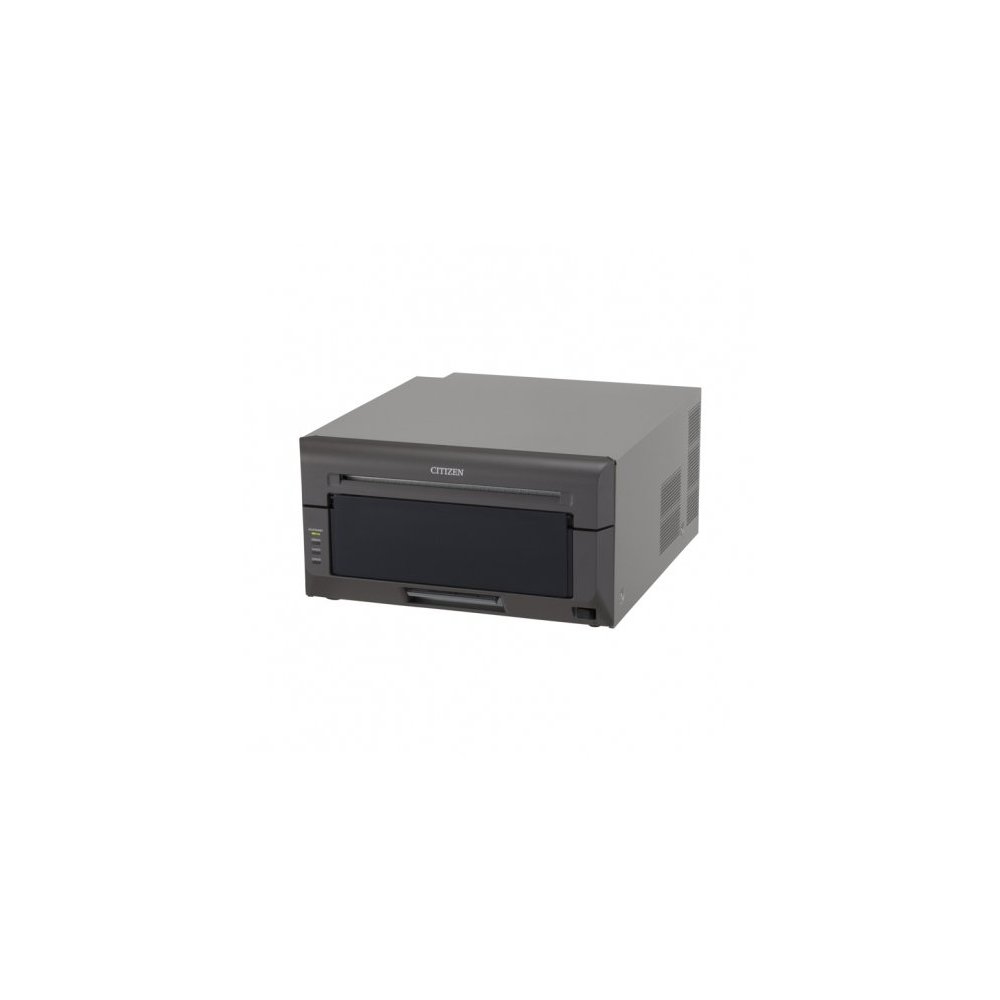
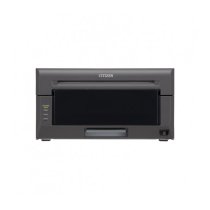
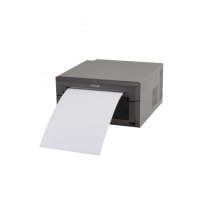
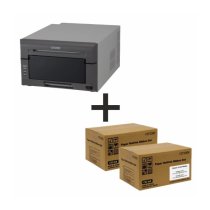
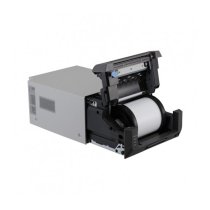
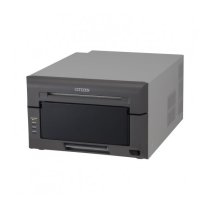
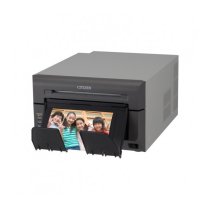
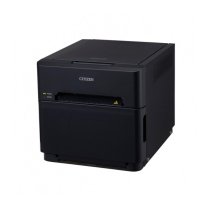
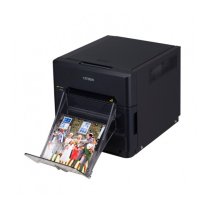
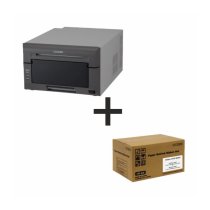
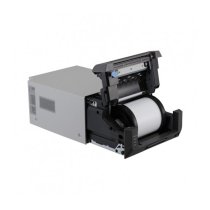
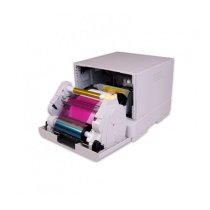
The latest model to join the Citizen CX-02 family is the 8-inch (20 cm) wide-format CX-02W. The CX-02W can print both 8x10” and 8x12” and is built on the same ultra‑reliable print engine as the CX-02. A new greyscale calibration feature in the printer driver provides even greater control over print quality. The CX-02W is only slightly wider and heavier than the CX-02, retaining the portability of the CX-02 series.
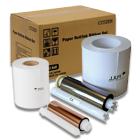
Premium media available for this model: Silver Pearl and Metallic. By offering premium media, photographers can differentiate their services and grow their revenue.
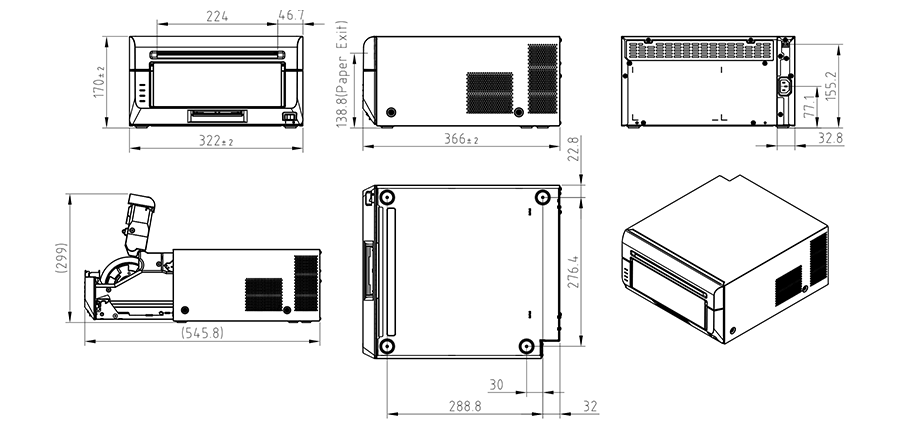
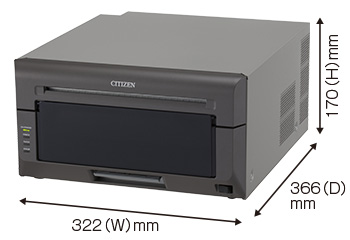
Device dimensions
Key features:
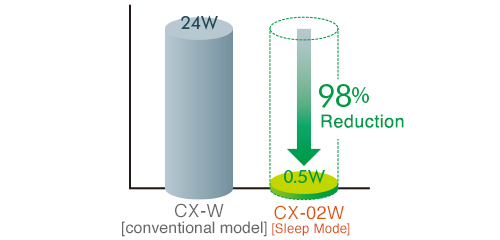
Energy-saving function
A sleep mode has been added to reduce standby power consumption to below 0.5 W. Standby power is reduced by 98% compared to the conventional CX‑W model.
Improvement over the conventional CX‑W
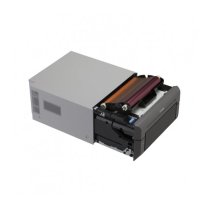
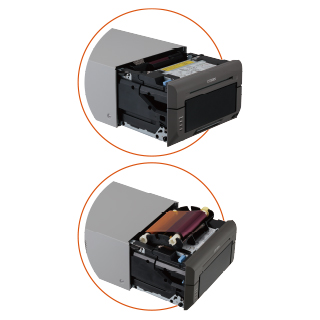
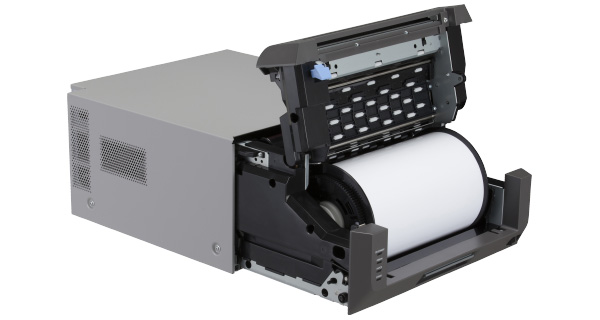
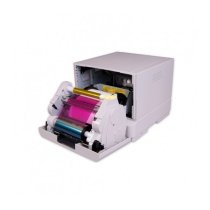
Even easier loading of consumables
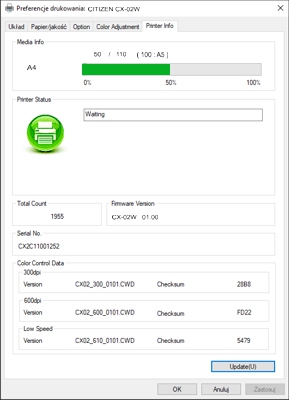
New tab in driver settings
A graphical display of the number of sheets to be printed lets you check the remaining media at a glance.
Optimised dimensions
A compact dye‑sublimation printer that can hold 110 media sheets (paper + dye ribbon) in 20x30cm size.
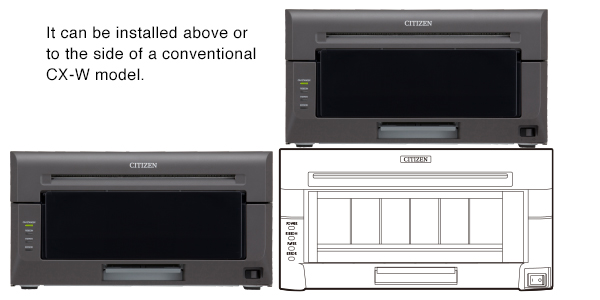
Installable in the space of the previous CX‑W
The height and depth of the CX‑02W are the same as the conventional CX‑W. The printer can be easily installed in the space of the older CX‑W model.
Ribbon rewind function
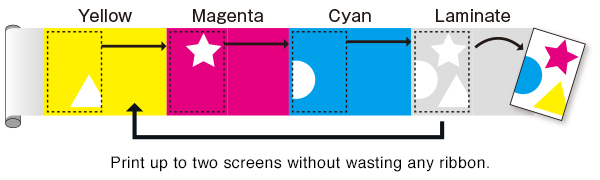
The dye ribbon rewinds after printing an odd number of 20x15cm and A5 sheets, enabling printing without wasting half a ribbon frame.
Multiple print sizes
In the printer driver you can freely change the print size from 8×2” to 8×32” — and print panoramic images.
Natural tonal gradation
Thanks to newly developed software and hardware improvements, even smoother tonal gradation has been achieved compared to conventional models.
Fast even during continuous printing
Even during continuous printing, the printer’s mechanical design minimises delays caused by a hot print head.
Full front access
All maintenance operations can be performed from the front, without removing the printer from a kiosk setup.

 Polski
 English GB
 Deutsch
 Français
 Italiano
 Čeština
 Nederlands
 Español